


Is This Machine Right For You?
Expert insights for the BERNINA 700 PRO E Quilting Machine
This machine is great if you:
- Quilt frequently and want advanced quilting technology
- Work on large quilting projects
- Prefer precise stitch regulation
- Enjoy computerized quilting features
- Want a machine designed specifically for quilting
This machine may NOT be ideal if you:
- Mainly sew garments or crafts
- Only quilt occasionally
- Prefer mechanical machines
- Need embroidery capability
- Have limited sewing space
Why Many People Love This Machine
The BERNINA 700 PRO E Quilting Machine is designed for sewists who focus heavily on quilting. Many quilters appreciate the precise stitch regulation and smooth fabric handling that make detailed quilting patterns easier to achieve. It offers strong performance and accuracy for both large and complex quilting projects.
Popular Projects for This Machine
"A great choice for dedicated quilters who want precision and advanced quilting features. It provides the control and space needed for more detailed quilting projects."


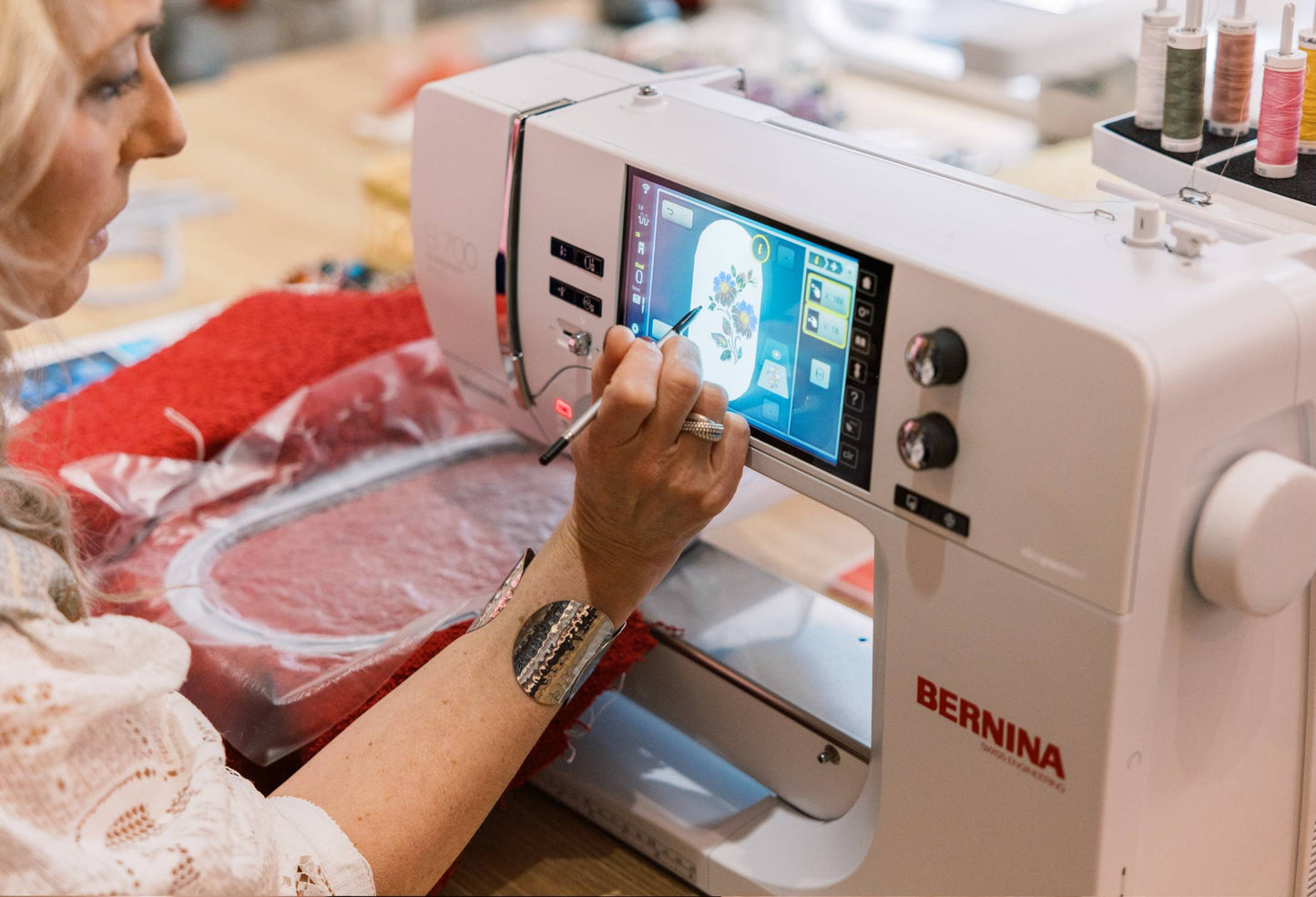
BERNINA 700 E

For all experts in embroidery
> Extra-large embroidery area for large designs
> Accurate design positioning
> Embroider longer with the extra large bobbin
> Clean & brilliant embroidery results
> Convince yourself: BERNINA Innovations
Discover the BERNINA 700 E


BERNINA 700 E: Simply the best machine for beautiful embroidery
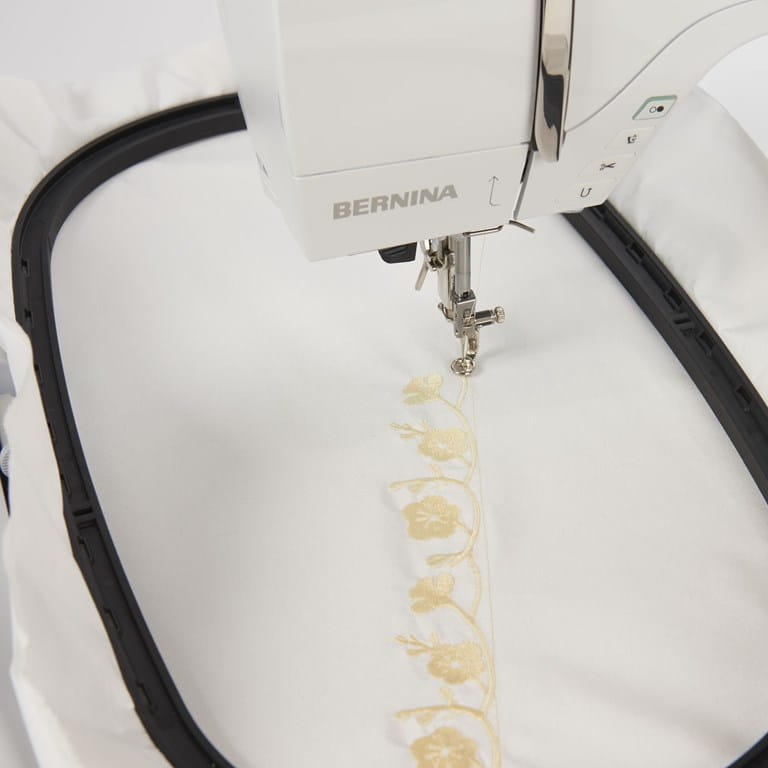
Enjoy maximum
space
Extra-large embroidery area
Comfortably create endless designs
Embroider designs up to 400 x 210 mm
Three embroidery hoops are included as standard accessories and the optional BERNINA Midi Hoop for midi-sized motifs is also compatible with the B 700 E.
Embroider much
longer
Re-thread without removing the hoop
Easy access to the front load bobbin
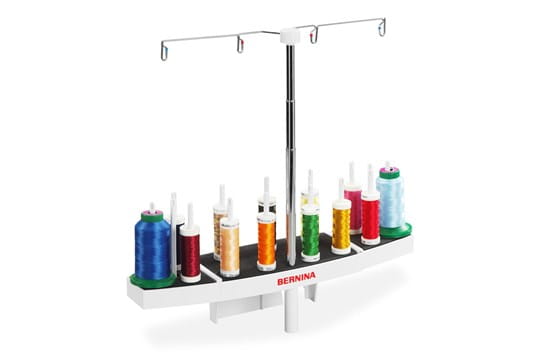
Plus: Multiple spoolholder included
Embroider with fewer interruptions with the Jumbo Bobbin that holds up to 70% more thread than standard bobbins.

Position your design
accurately
Position designs easily and precisely
No need to use the template anymore
Perfect results in short times
Use Pinpoint Placement to position your design precisely: select two points and match them with the markings on the hooped fabric.
Results in highest perfection
Achieve beautiful and clean results
Easily accessible by clicking a button
Bobbin thread is brought up automatically
Thanks to the Thread-Up Command the machine lowers and raises the needle bringing the bobbin thread to the top of the fabric so you can secure the threads manually.

Edit your designs
with ease
Align, rotate or resize your design
Toggle between mm & inch
Rearrange embroidery designs in combination
Simply Undo or Redo steps while editing or combining designs to return to your initial position. Edit all designs at one time with Group or individually with Ungroup.
Combine your
designs creatively
Create curved lettering effects
Alter stitch density
Combine alphabets with embroidery
Choose from 320 built-in embroidery designs, 18 built-in embroidery fonts and one large built-in monogram set.


Choose your favorite color
Color your design easily
Select your personal color scheme
Embroider your project in beautiful colors
With the Color Wheel, designs can be changed easily and coordinated to your favorite color scheme before you start embroidering.

Intuitive & very easy to use
Ask how much stabilizer you need
Toggle between mm & inches
Reads: EXP, DST, PEC, JEF, PCS, SEW, XXX
For each embroidery technique the consultant helps you to choose the correct foot, needle, thread and stabilizer according to your fabric to achieve the best results.

Clean and brillant embroidery
Manage thread cuts with ease
No manual trimming on top side
Achieve perfect embroidery results
Securing stitches become invisible as the tie-on/off stitches are sewn in stitch direction. Smart Secure adds tie-on/off stitches to a design, if none are preset.
Further functionality for your comfort
Design editing:
Design editing mode with positioning, mirroring, rotating, combining and resizing of motifs
Alter stitch density
Import additional designs to the machine
Personal settings:
Save your created designs on the machine or USB Stick
Save and retrieve your personal settings on the machine
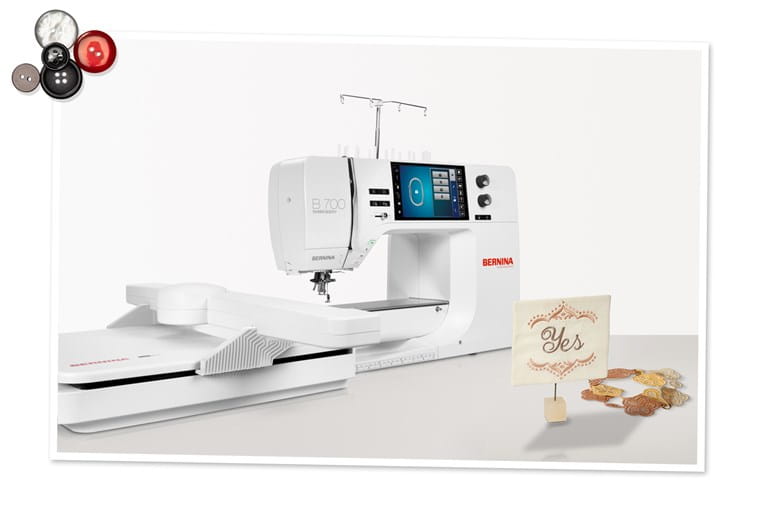
Image Gallery: Explore the BERNINA 435
Features & Functions
Note:
Not all models and accessories are available in all countries. We reserve the right to make changes in both features and design.
Color touch screen 7” / 18 cm
Upper thread indicator
Maximum embroidery area 15.7" x 5.9"
Built-in embroidery designs 320
Pinpoint Placement
Undo/Redo
Group/Ungroup
Color Wheel
Jumbo hoop functionality (limited embroidery field: 400×210 mm, 15.7"×8.3")
Freearm embroidery
Endless embroidery
Accessories
Unleash your creativity with the included accessories and be prepared for any creative challenge with a huge variety of optional accessories




Note:
Not all models and accessories are available in all countries. We reserve the right to make changes in both features and design.


Tutorials
Frequently Asked Questions
Support for your BERNINA 700 E
To ensure that you enjoy your BERNINA for as long as possible, we recommend that you read the detailed operating instructions. Further support information and firmware updates can be found on the support page.
